AppHub
All our apps in one app: install and update them on your phone or TV
On a TV: open the Downloader app and type tv.ngz.ca/bazaar
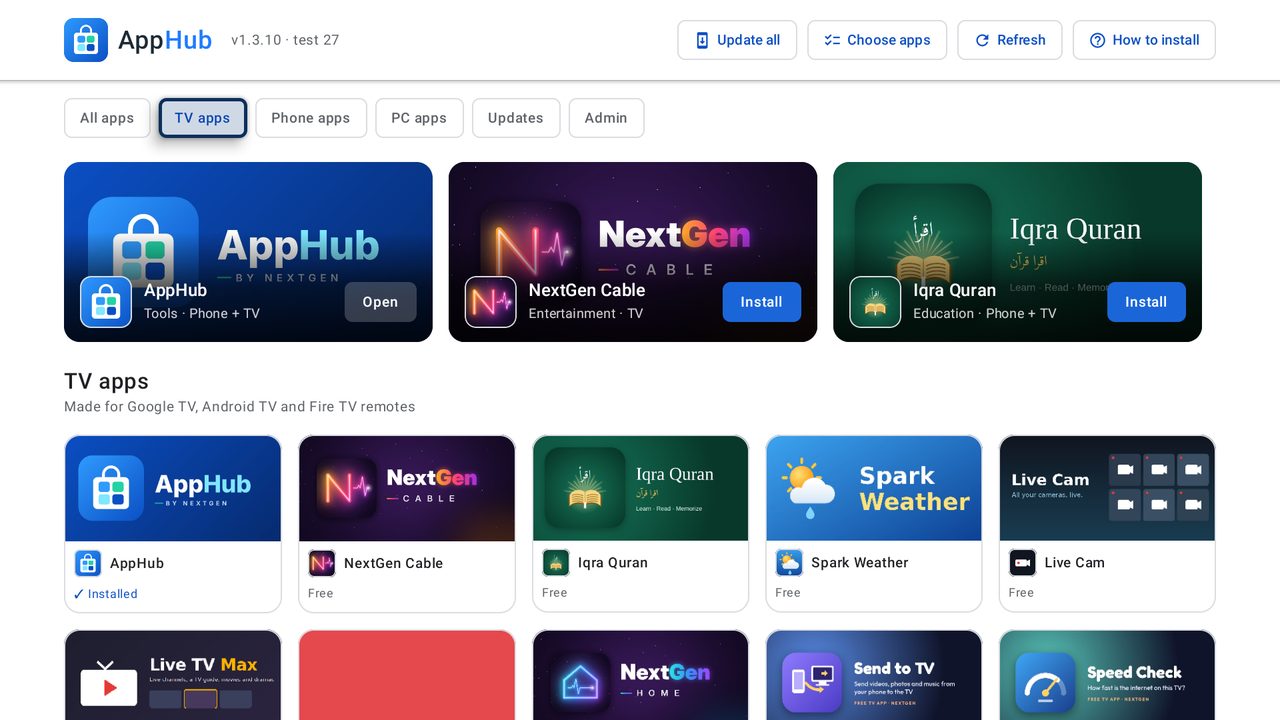
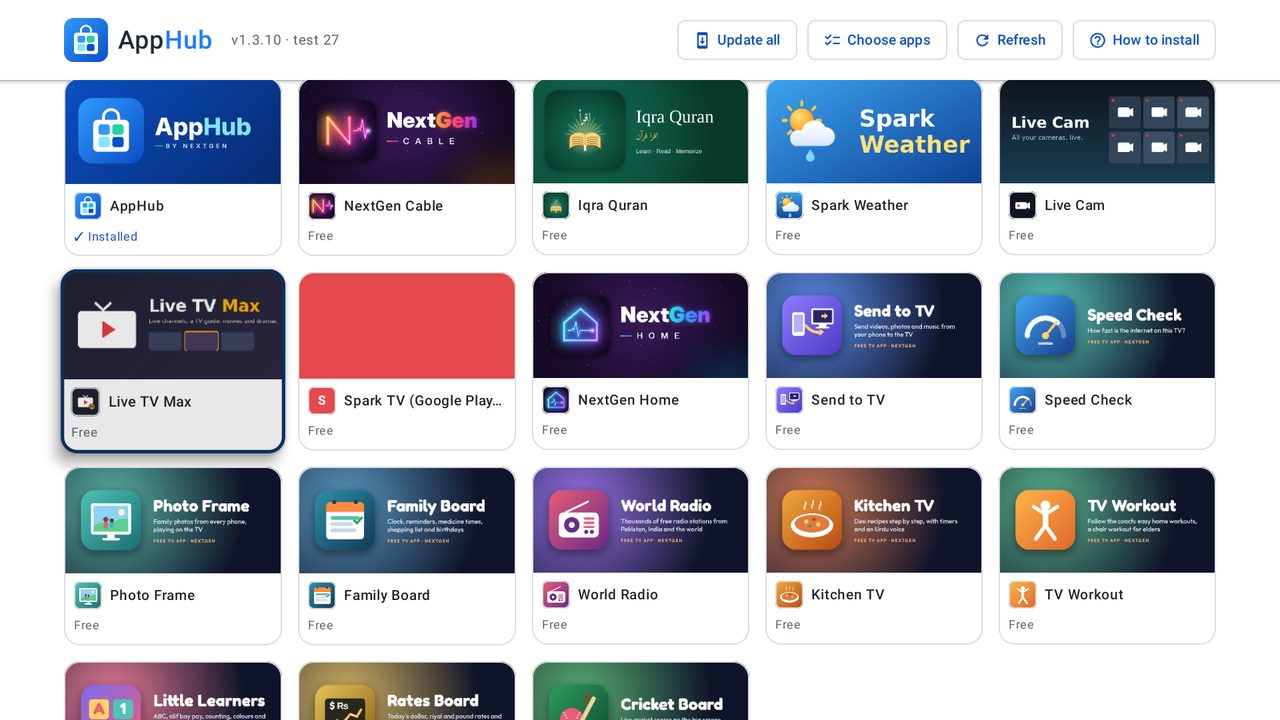
The AppHub store as an app. It lists every app on apps.ngz.ca with its picture and description. Press Install and it downloads the app and opens Android's installer for you. Apps you already have show Open, and Update when a newer version is out; the Updates tab lists them all. New apps added to AppHub appear in the app by themselves. Works with a TV remote on Google TV, Android TV and Fire TV, and with touch on phones and tablets. AppHub updates itself too.
Features
- Every NextGen app in one place, for phones and TVs
- Install, Open and Update buttons that know what you have
- Update all with one button
- Choose apps: tick several and install them together
- Works with a TV remote on Google TV, Android TV and Fire TV
Screenshots
What's new
- 1.3.13 2026-10-13
The password box has a Show/Hide button. After Sign out, Continue as signs you back in with the account NextGen Cable uses on this TV. - 1.3.11 2026-10-12
Five app tiles across on the TV with small side margins. Choose apps lets you pick which apps to install together. - 1.3.10 2026-10-12
Update all button at the top of every screen. On Android 12 and newer, updates install by themselves without tapping Install.